 Time Tracker
00 Introduction
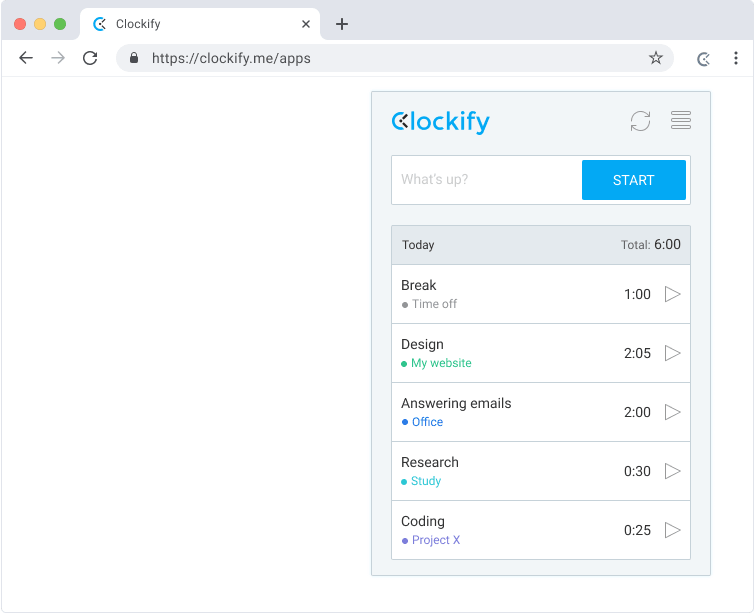
Clockify became popular by offering free unlimited users. However, it operates purely on a manual model—requiring team members to toggle buttons when switching tasks. Furthermore, your team's tracking logs are hosted on their cloud servers. If you want automatic background logging and total privacy, there is a better option.
01 Clockify Overview
Clockify is designed for project management timesheets. While its Chrome extension integrates with platforms like Jira or Notion, it lacks automated domain duration logs.
| Pros | Cons |
|---|---|
|
|
02 Time Tracker Pro Overview
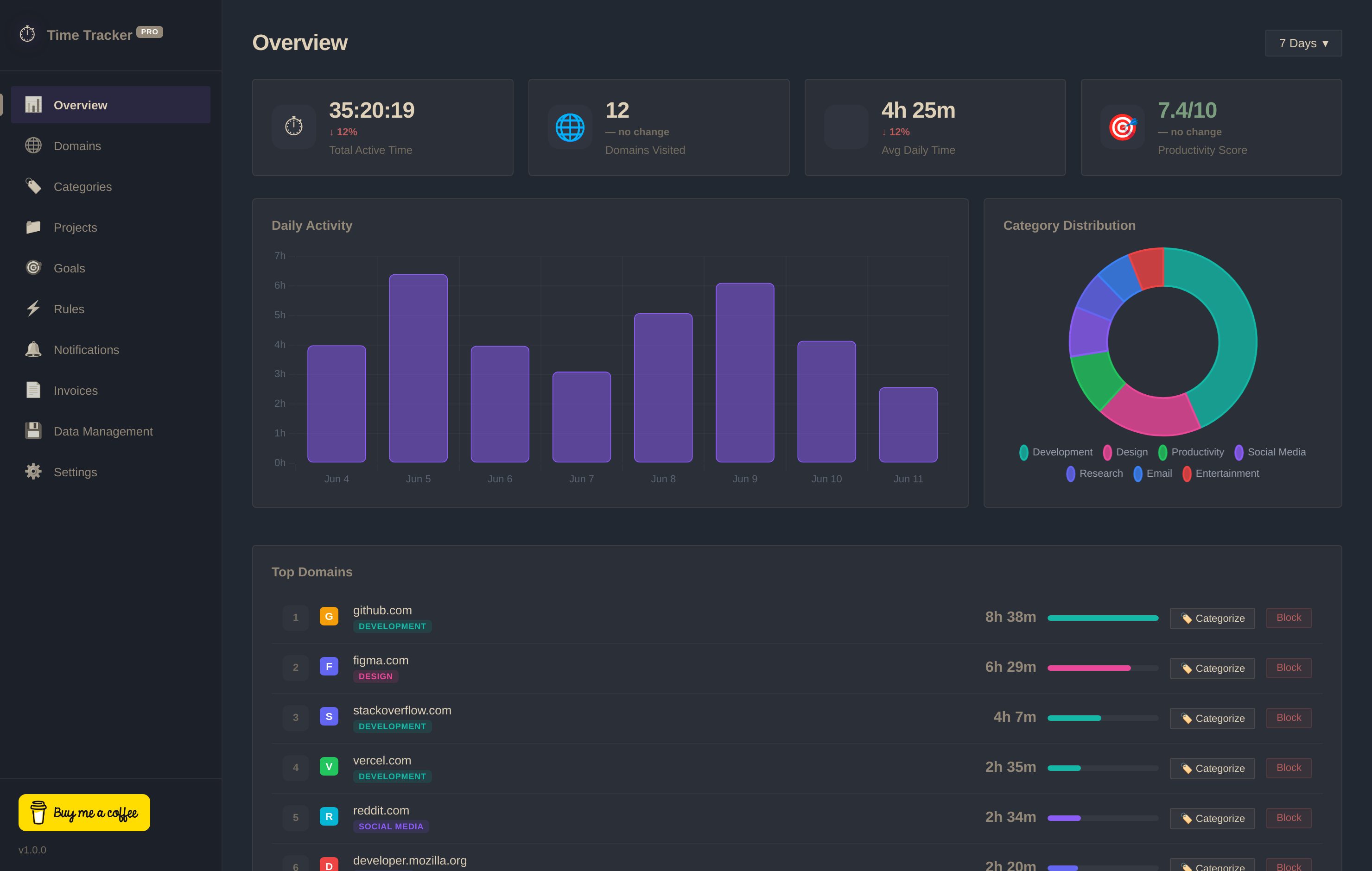
Time Tracker Pro requires no account and tracks active browser focused tabs automatically. It stores all data locally in IndexedDB and includes advanced heatmaps, blockers, and invoicing templates for free.
03 Head-to-Head Comparison
| Criteria | Time Tracker Pro | Clockify |
|---|---|---|
| Account Required | ✓ No Sign-up Required | ✗ Email & Account required |
| Tracking Automation | ✓ Fully Automatic Passive | ✗ Manual Start / Stop |
| Data Privacy | ✓ 100% Local (IndexedDB) | ✗ Hosted Cloud Database |
| Free Invoicing | ✓ Yes (Included Free) | ✗ Paid Plan Only ($5.49/mo) |
| Website Blocker | ✓ Yes (Built-In) | ✗ No Blocker Rules |
04 FAQs
Does Time Tracker Pro support team timesheets? +
No. Time Tracker Pro is built specifically for individual developers, freelancers, and privacy-conscious professionals. It does not contain organization management features.
Can I run both extensions in Chrome? +
Yes, you can run them simultaneously, but Time Tracker Pro will automatically log your browser window activity without requiring any button clicks.