 Time Tracker
00 Introduction
Everhour is loved by managers who want task estimates next to active timers in platforms like Asana or Basecamp. However, it operates strictly as a cloud database and has no offline mode, making it dependent on constant internet availability. For freelancers and solo developers who want a lightweight background tracker that is fast and private, Time Tracker Pro offers a premium offline alternative.
01 Everhour Overview
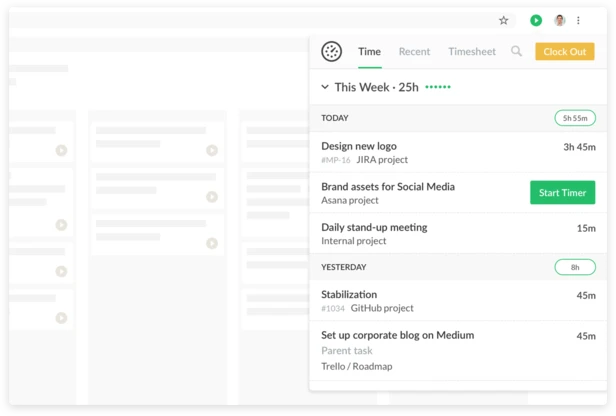
Everhour injects custom inputs directly inside PM tool rows. While this native embedding is slick, it requires team accounts and gates invoicing features behind high subscription tiers.
| Pros | Cons |
|---|---|
|
|
02 Time Tracker Pro Overview
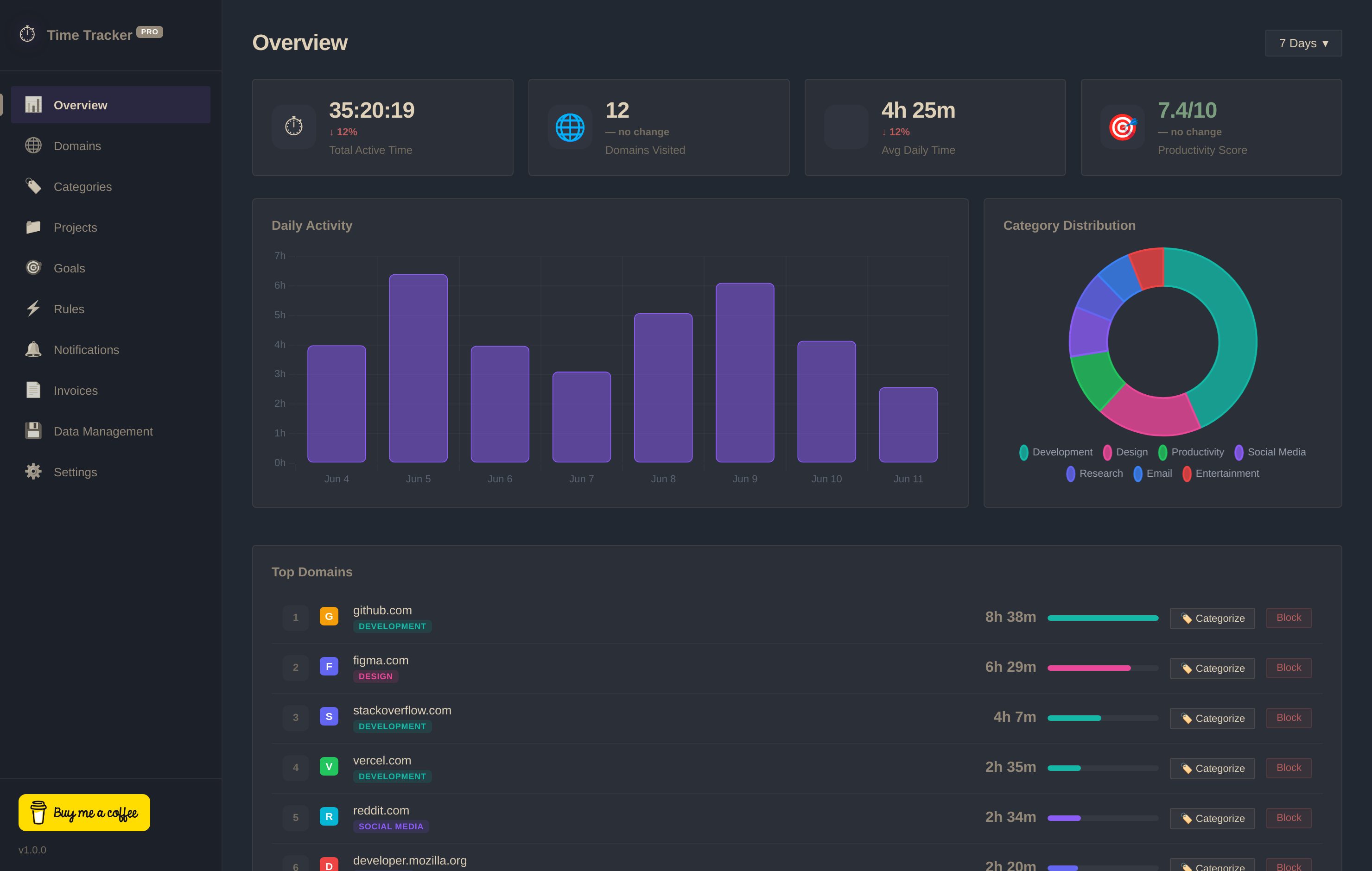
Time Tracker Pro respects your bandwidth. It tracks focused domains in the background and stores everything locally (IndexedDB) with zero telemetry calls. It operates 100% offline, offering project tracking and invoice builders for free.
03 Head-to-Head Comparison
| Criteria | Time Tracker Pro | Everhour |
|---|---|---|
| Offline Logging | ✓ Yes (Works 100% Offline) | ✗ No (Requires cloud sync) |
| Database Privacy | ✓ 100% Local (IndexedDB) | ✗ Hosted Cloud Database |
| Automatic Domain Tracking | ✓ Yes (Passive) | ✗ Manual start/stop only |
| Invoice Builder | ✓ Yes (Free PNG Export) | ✗ Paid Only ($8.50+/mo) |
| Pricing Model | ✓ Free Forever | ✗ Subscription Plans |