 Time Tracker
00 Introduction
Harvest has long been a favorite for freelancers because it links time logs to client payment forms. However, managing multiple client accounts on Harvest's free tier is impossible. For solo developers, designers, and consultants who need a simple time logger that exports invoices without caps, Time Tracker Pro offers a premium local-first alternative.
01 Harvest Overview
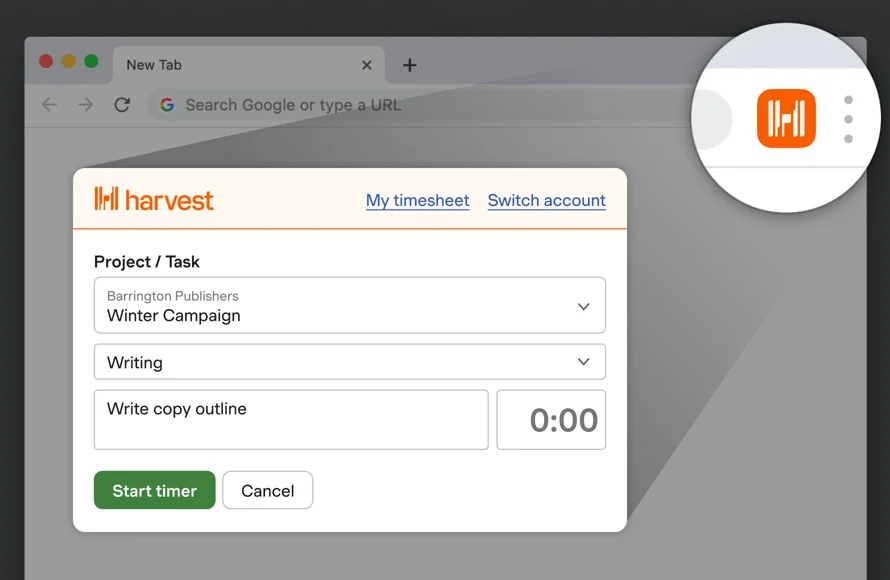
Harvest utilizes a simple manual toolbar timer. It excels at turning logged hours into invoices and processing Stripe payments, but its tracking remains manual and limits you to 2 projects on the free tier.
| Pros | Cons |
|---|---|
|
|
02 Time Tracker Pro Overview
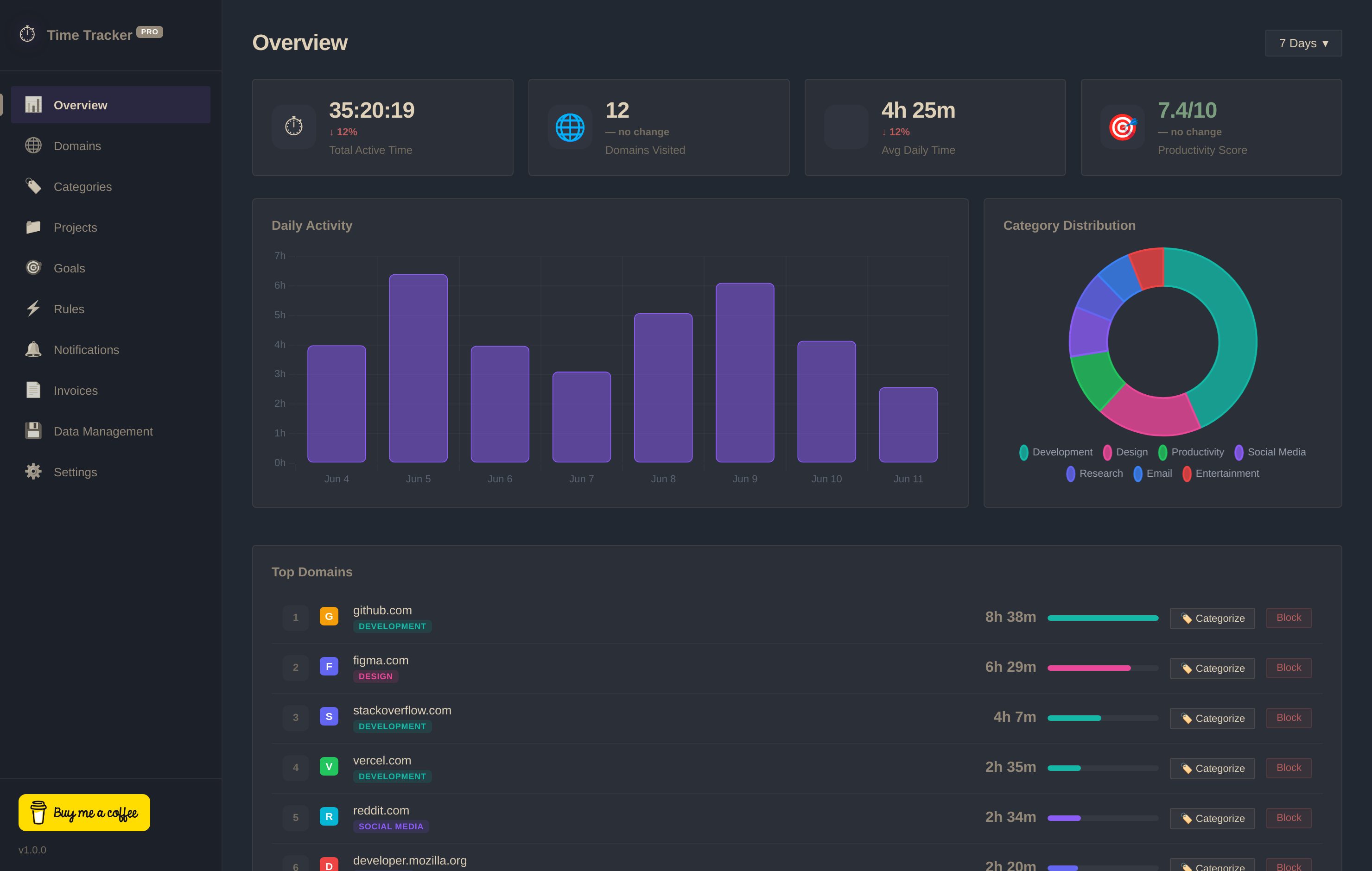
Time Tracker Pro is completely free with no limits on project tags. It tracks focused domains in the background and includes a professional invoice template builder, allowing you to export client bills as PNG images or text logs without subscription gates.
03 Head-to-Head Comparison
| Criteria | Time Tracker Pro | Harvest |
|---|---|---|
| Free Projects Limit | ✓ Unlimited Projects | ✗ Restricted to 2 Projects |
| Invoicing Cost | ✓ 100% Free (PNG Export) | ✗ Paid Plan Required ($10.80/mo) |
| Automated Domain Logs | ✓ Yes (Passive Logging) | ✗ Manual start/stop only |
| Data Storage | ✓ Local (IndexedDB) | ✗ Hosted Cloud Database |
| Account Setup | ✓ None Required | ✗ Cloud Signup Required |