 Time Tracker
00 Introduction
Hubstaff is standard for global managers managing outsourced talent, using proof-of-work metrics to calculate invoices. However, tracking system key metrics and capturing desktop screenshots represents highly invasive surveillance that individual contributors find counter-productive. If you want high-quality local invoicing without intrusive spyware, there is a cleaner way.
01 Hubstaff Overview
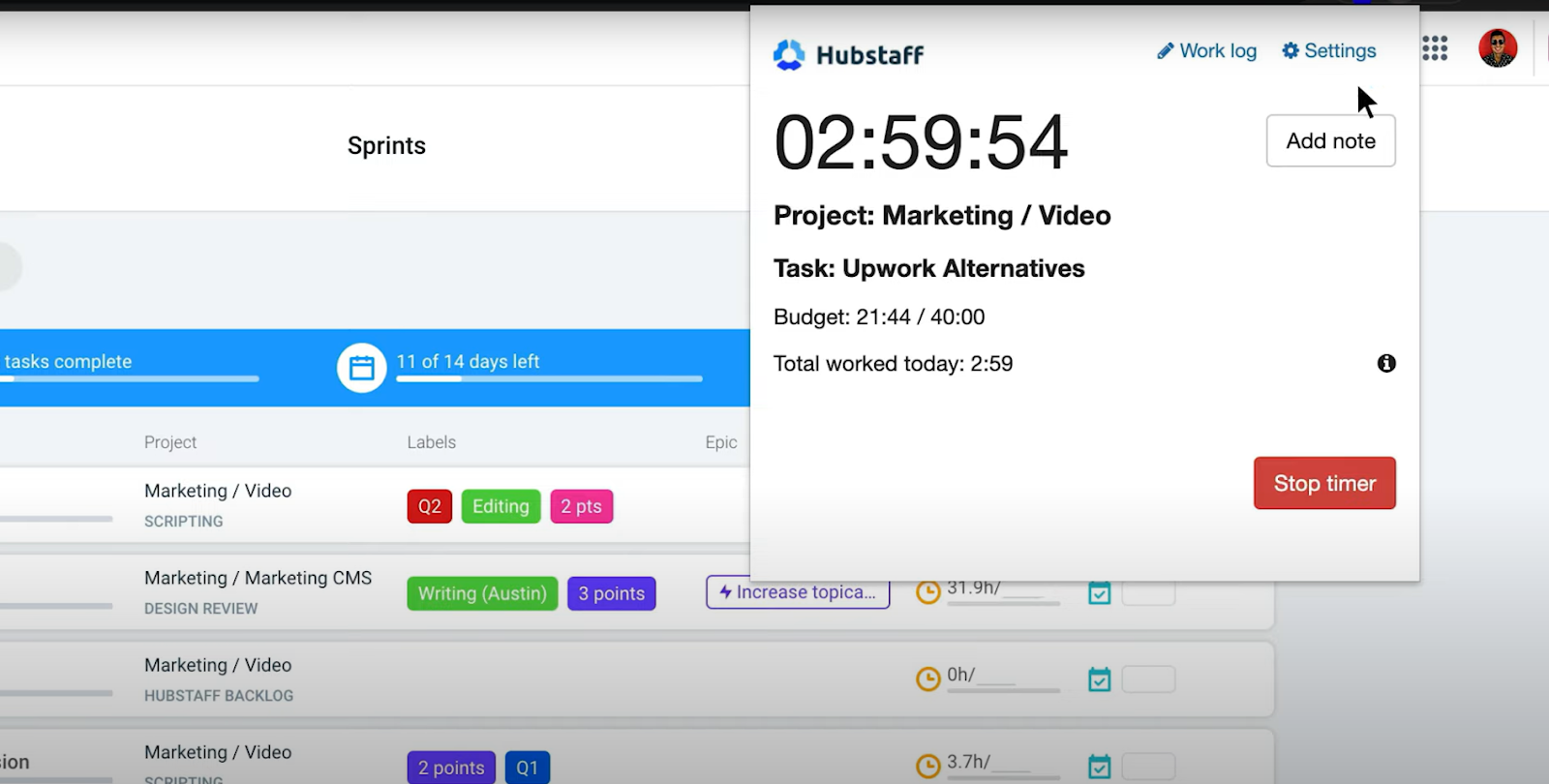
Hubstaff runs a desktop or browser extension. It records logs manually but uploads them alongside activity ratios. While managers gain control over budgets, remote workers lose personal workspace privacy.
| Pros | Cons |
|---|---|
|
|
02 Time Tracker Pro Overview
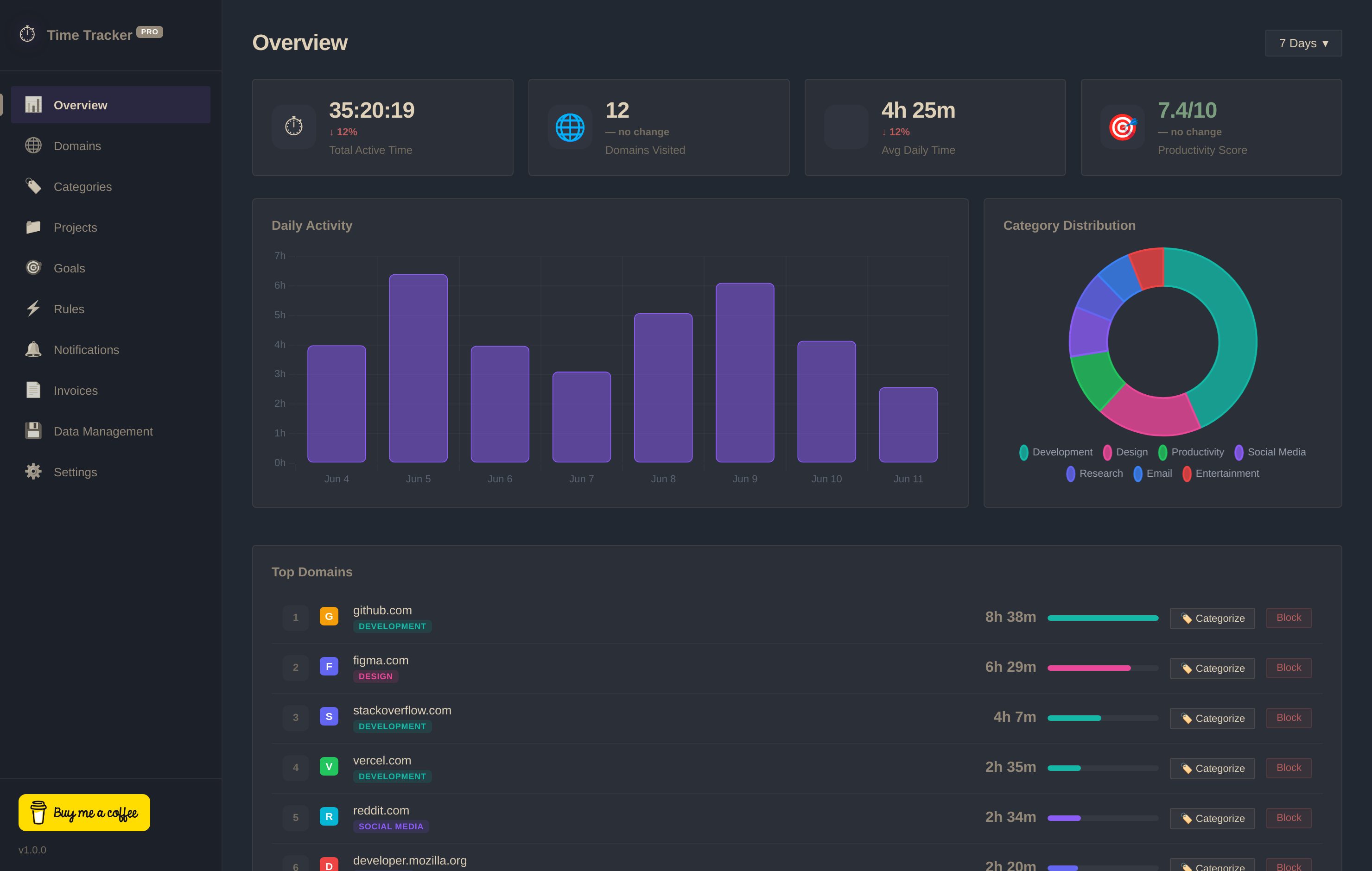
Time Tracker Pro respects your boundary. It runs in your browser, logging active domains and timeline blocks locally (IndexedDB) with zero telemetry uploads. For freelancers and solo developers, it provides project rate tracking and invoice builds without the overhead of employee surveillance.
03 Head-to-Head Comparison
| Criteria | Time Tracker Pro | Hubstaff |
|---|---|---|
| Keystroke Counter | ✓ No (Anti-Surveillance) | ✗ Yes (Intrusive) |
| Desktop Screenshots | ✓ No Screenshots Captured | ✗ Yes (Random capture) |
| Account Setup | ✓ None Required | ✗ Account Registration Required |
| Data Storage | ✓ 100% Local (IndexedDB) | ✗ Hosted Cloud Database |
| Pricing Model | ✓ Free Forever | ✗ Paid plans ($5 - $10/mo) |