 Time Tracker
00 Introduction
RescueTime has been a pioneer in passive tracking. However, because it logs every URL and active app in the background, uploading this information to third-party databases presents serious privacy liabilities. For developers, writers, and individuals who want granular focus metrics without compromising their browser logs, Time Tracker Pro offers a powerful, local-only solution.
01 RescueTime Overview
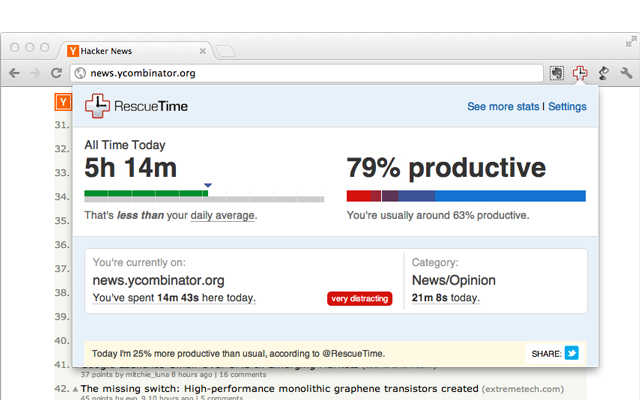
RescueTime runs as a startup service logging active browser windows. Recent updates have focused heavily on general goal planning rather than detailed user timeline graphs. It also locks site blocking and historical logs behind subscription gates.
| Pros | Cons |
|---|---|
|
|
02 Time Tracker Pro Overview
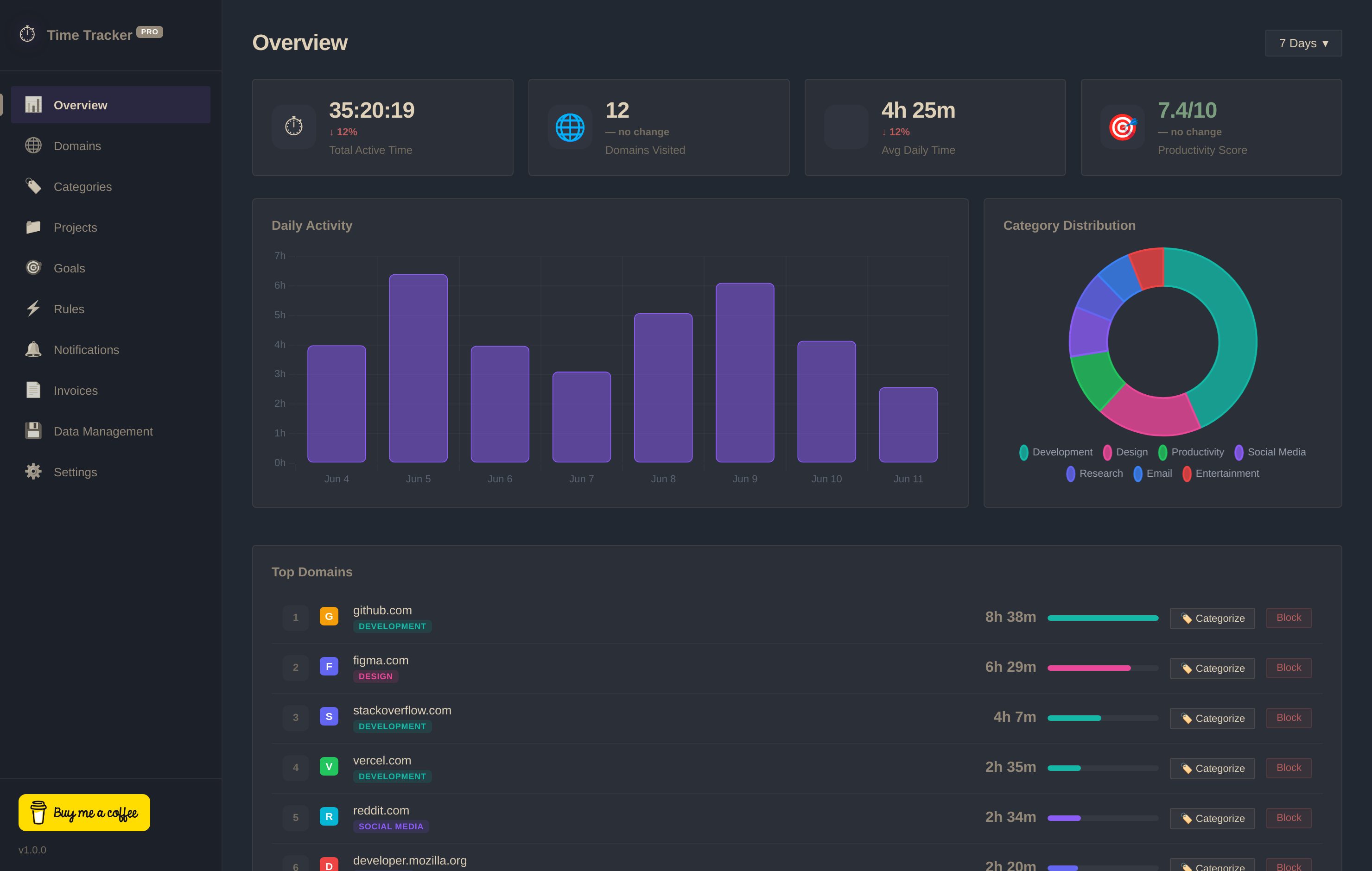
Time Tracker Pro is a modern Chrome extension built on Google's Manifest V3. It logs active browsing automatically but preserves everything locally in IndexedDB. It features project invoicing, domain blocking, custom categories, and contribution heatmaps—all for free.
03 Head-to-Head Comparison
| Criteria | Time Tracker Pro | RescueTime |
|---|---|---|
| Data Privacy | ✓ 100% Local (IndexedDB) | ✗ Uploaded to External Cloud |
| Sign-up / Account | ✓ None Required | ✗ Account Registration Required |
| Invoicing & Billing | ✓ Free Invoice Builder | ✗ No Billing Support |
| Focus Heatmaps | ✓ GitHub-Style peak grid | ✗ Basic line charts only |
| Website Blocker | ✓ Free blocker schedules | ✗ Paid Premium Only ($12/mo) |
| Pricing Model | ✓ Free Forever | ✗ Subscription Plans |