 Time Tracker
00 Introduction
Toggl Track is highly popular for collaborative teams and agency project billing. Its Chrome extension integrates with multiple third-party tools to start timers in-place. However, it requires cloud account signups and hosts all browsing logs on their databases. If you're an individual freelancer or developer who values automated logging and local data privacy, there is a better alternative.
01 Toggl Track Overview
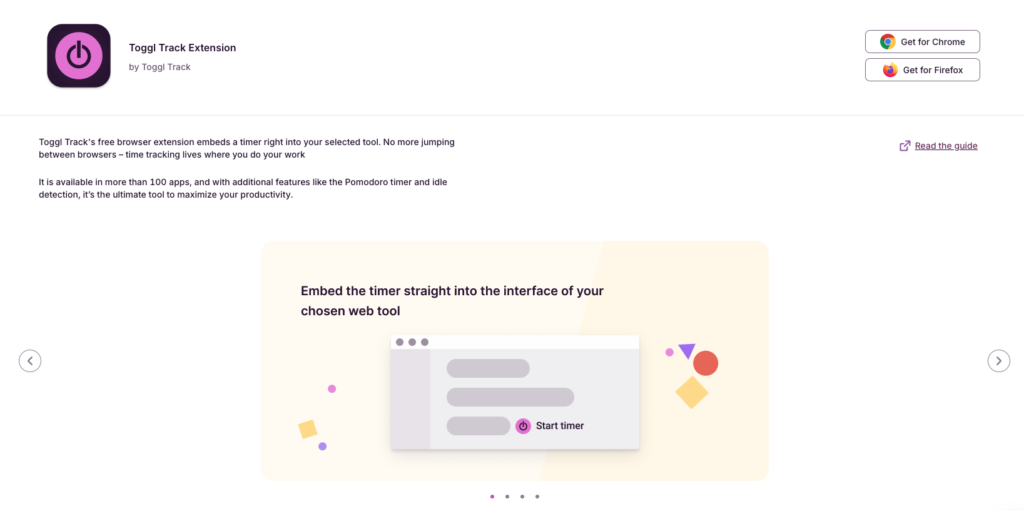
Toggl Track operates primarily as a manual cloud timer. While it embeds beautifully into platforms like Jira, Asana, and GitHub, the time entry flow still requires you to type descriptions, set project categories, and click start/stop buttons manually. Furthermore, invoicing and billable rate configurations are gated behind paid monthly tiers.
| Pros | Cons |
|---|---|
|
|
02 Time Tracker Pro Overview
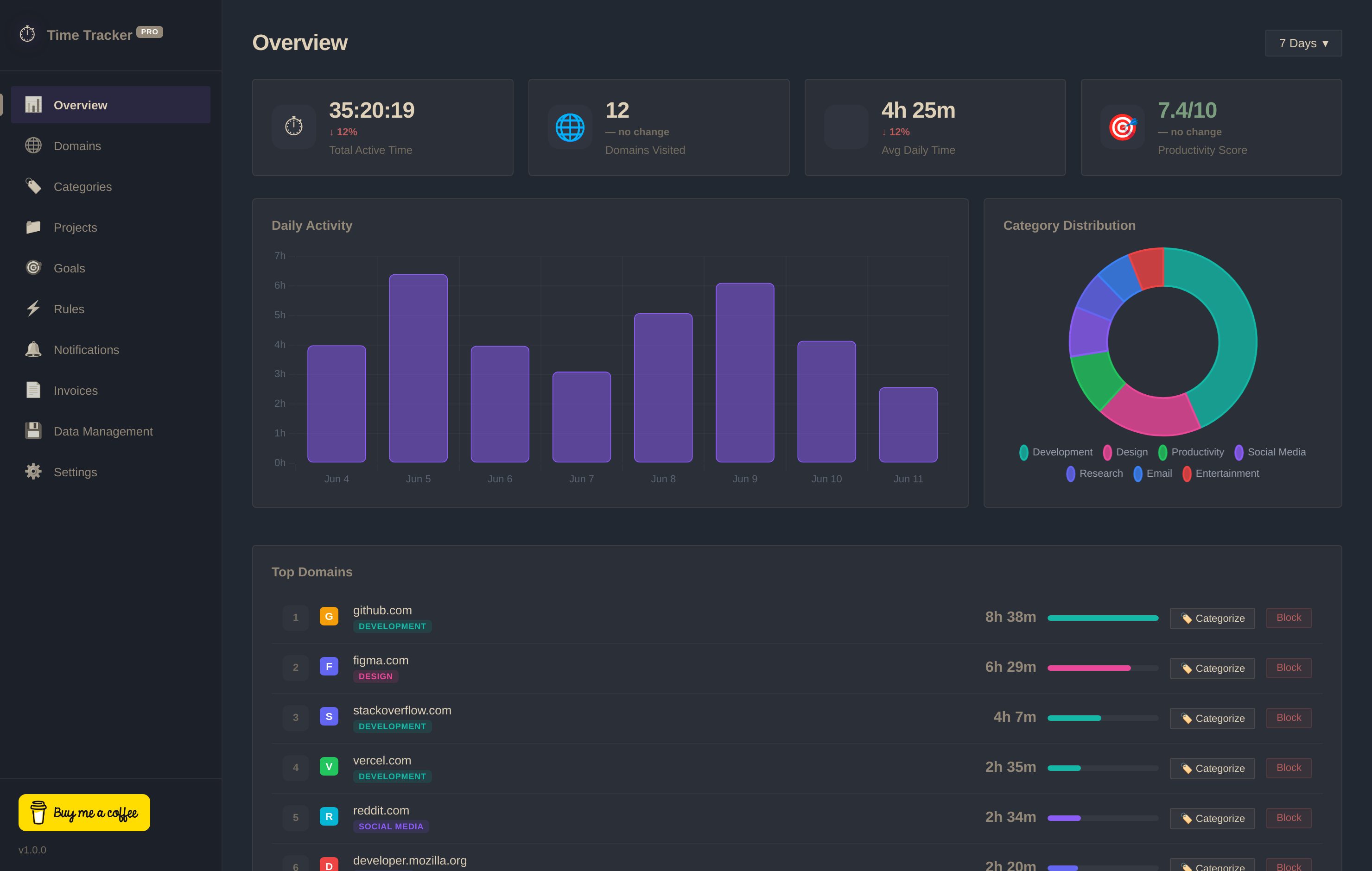
Time Tracker Pro is built for developers and freelancers who want zero friction. It requires **no accounts or signups** and stores 100% of your detailed browsing data locally in your browser's IndexedDB database. It automatically registers active tabs, handles idle times, and includes an invoice builder and site blocker for free.
03 Head-to-Head Comparison
| Criteria | Time Tracker Pro | Toggl Track |
|---|---|---|
| Database | ✓ 100% Local (IndexedDB) | ✗ Hosted Cloud Database |
| Account Setup | ✓ No Sign-up Required | ✗ Email & Password Required |
| Tracking Mode | ✓ Passive Automatic Logging | ✗ Manual Start / Stop Buttons |
| Invoice Builder | ✓ Yes (Free PNG & Copy) | ✗ Paid Only ($9+/user) |
| Website Blocker | ✓ Yes (Included) | ✗ No Blocker Rules |
| Pricing | ✓ Free Forever | ✗ Subscription Tiers |